Help & tutorials
Start here
Set up Mountain Passes in two minutes
Give Mountain Passes the location access it needs, learn the one rule behind automatic pass logging, and record your first ride.
How to use Mountain Passes.
Short video guides and how-tos, from the two-minute setup that makes auto-logging work to hands-free tracking, GPX import, and what to do when a pass didn't log.
Getting started
Permissions, the first ride, and hands-free tracking.
- Set up Mountain Passes in two minutes Give Mountain Passes the location access it needs, learn the one rule behind automatic pass logging, and record your first ride.
- Hands-free ride tracking with Siri, Shortcuts and CarPlay automations Start and stop ride recording by voice or automatically when your car or helmet headset connects, using the Mountain Passes actions in the Shortcuts app.
- How to track a ride Start, pause and end a ride recording in Mountain Passes, understand auto-pause, and what happens if the app is closed or you forget to stop.
- Log a pass you crossed without the app Add a mountain pass visit by hand when no ride was recording, the phone was in flight mode, or you crossed it before you installed Mountain Passes.
Discovering passes
The live map, filters, alerts, and the bucket list.
- How to find mountain passes around you Browse every pass in Mountain Passes by distance, filter by country, elevation, road type and surface, read the map colours, and check a pass before you commit to it.
- Understanding the 5 km pass alerts What the approaching-pass alert in Mountain Passes looks like, what triggers it during a ride, and why it sometimes does not fire.
- Build a bucket list of passes to chase Save the passes you want to cross next, see them in yellow on the map, and use the list sorted by distance to plan the next trip in Mountain Passes.
Your story
Trips, moments, GPX import, posters and achievements.
- Group rides into a multi-day trip Combine several rides into one trip in Mountain Passes so a whole tour becomes a single story with all its passes, kilometres, days and places.
- Mark the places that matter: viewpoints, coffee stops, photos and notes Pin a place during a ride in Mountain Passes, add photos and notes to your passes and rides, and find them again on the map and in the Ride Story.
- Import your ride history from Strava, Komoot or Garmin with GPX Bring past rides into Mountain Passes from a GPX export or from Apple Health. The app detects every pass on the track and adds the visits to your collection.
- Posters and achievements: how unlocking works Which passes unlock a vintage poster, what counts as a visit, how to preview all 311 posters, and the full list of achievements in Mountain Passes.
Companions and trust
iCloud sync and a new iPhone, missed crossings, battery, privacy, and plans.
- iPad, Mac and iCloud sync Which devices Mountain Passes runs on today, how your rides, visits, places and posters follow you to a new iPhone through iCloud, and what to check when sync is behind.
- Why a pass didn't log, and how to fix it The common reasons Mountain Passes misses a crossing, from no ride recording to a tight detection radius, Low Power Mode and tunnels, and how to add the visit afterwards.
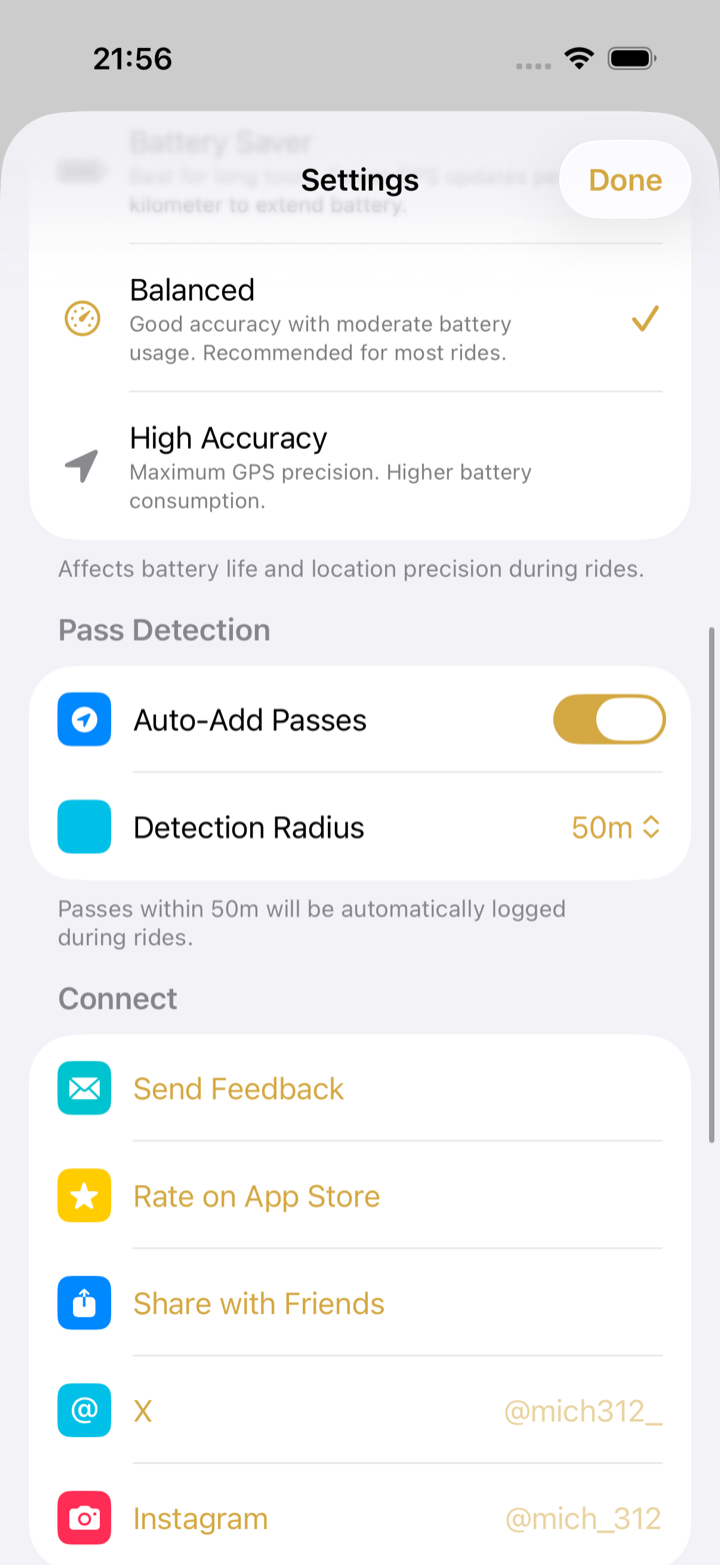
- Battery, offline use and privacy How Mountain Passes detects passes on the device, what the GPS Accuracy modes mean for battery, how the app behaves without signal, and what happens to your location data.
- Free vs Pro, free trials and restoring purchases What the free Mountain Passes app includes, what Pro adds, how the two-week free trial works, and how to restore a purchase on a new phone.
No guide matches “”.
Try a shorter word, or email the question. It may become the next guide.
Didn't find it?
Email [email protected]. Questions that come up more than once become a guide on this page.