
Discovering passes
Build a bucket list of passes to chase
Save the passes you want to cross next, see them in yellow on the map, and use the list sorted by distance to plan the next trip in Mountain Passes.
The bucket list is where the next season lives. Anything you add gets a yellow marker on the map, its own section on Home, and a list you can sort by distance from wherever you are. Adding passes is a Pro feature; viewing and clearing the list is free.
Steps
- Open any pass, from the Passes tab, the map or Search.
- Tap the bookmark in the top-right corner. It turns yellow. The same option is in the ⋯ menu as Add to Bucket List.
- Find the list on Home, in the bucket list section, or in the Passes tab with the Bucket List filter. Tap Sort › Distance to see what is closest.
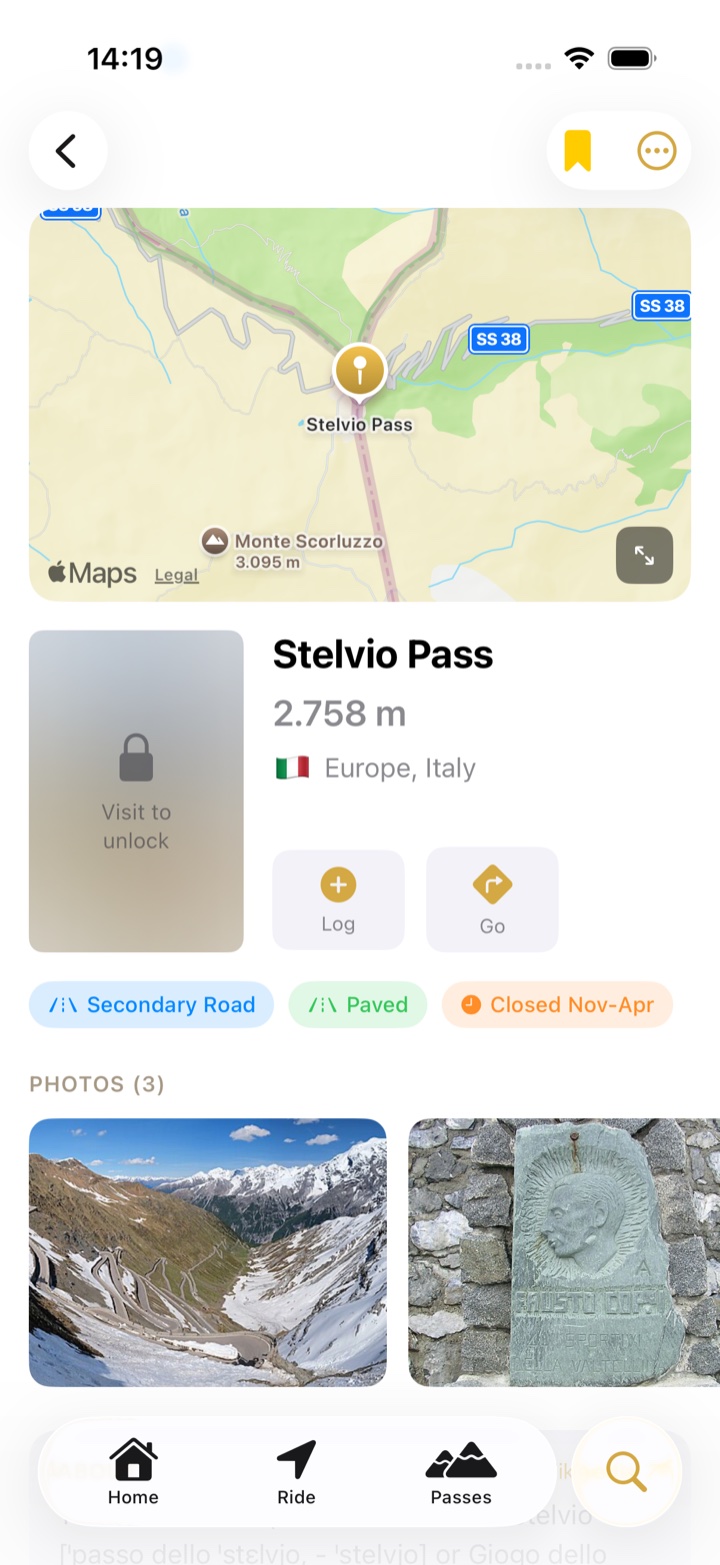
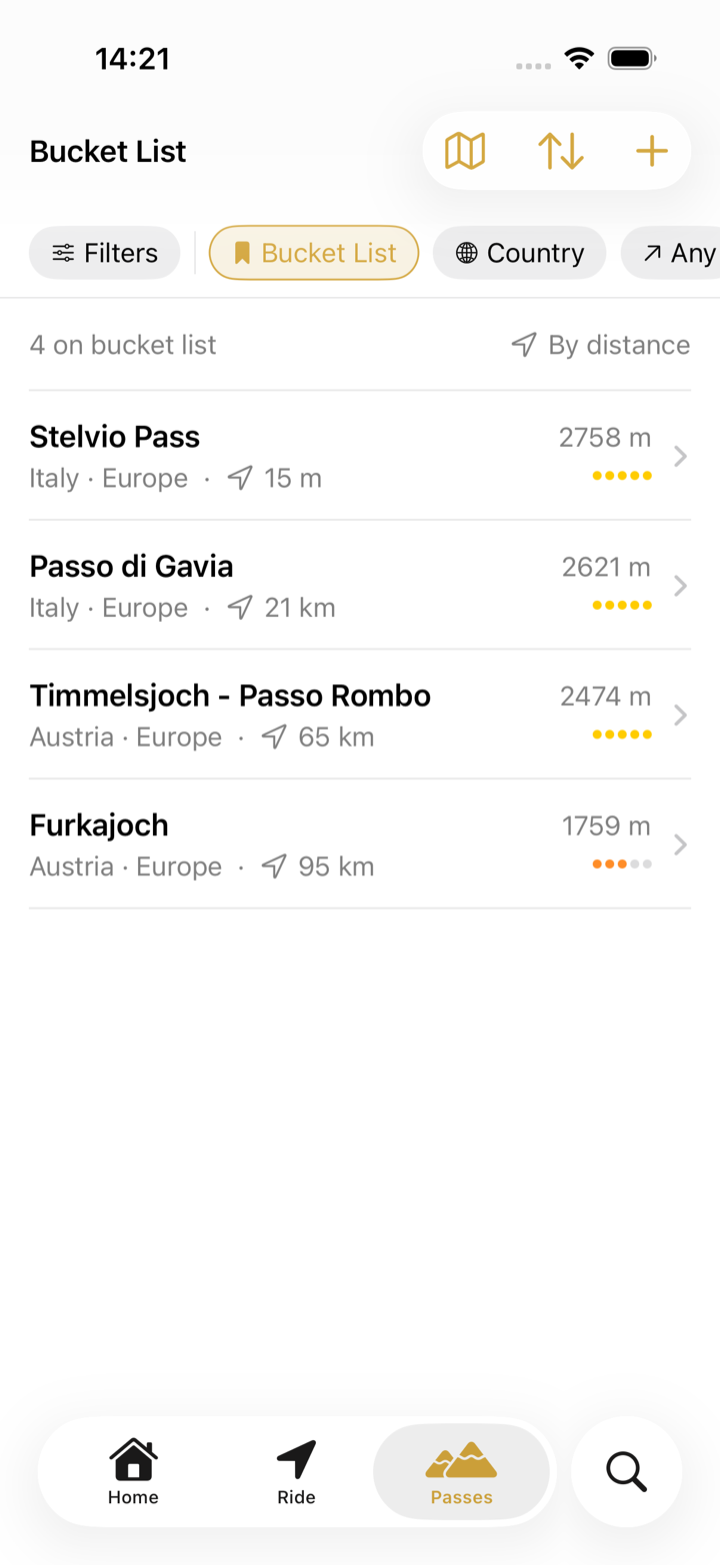
- To take a pass off the list, tap the yellow bookmark again or choose Remove from Bucket List.
Planning with it
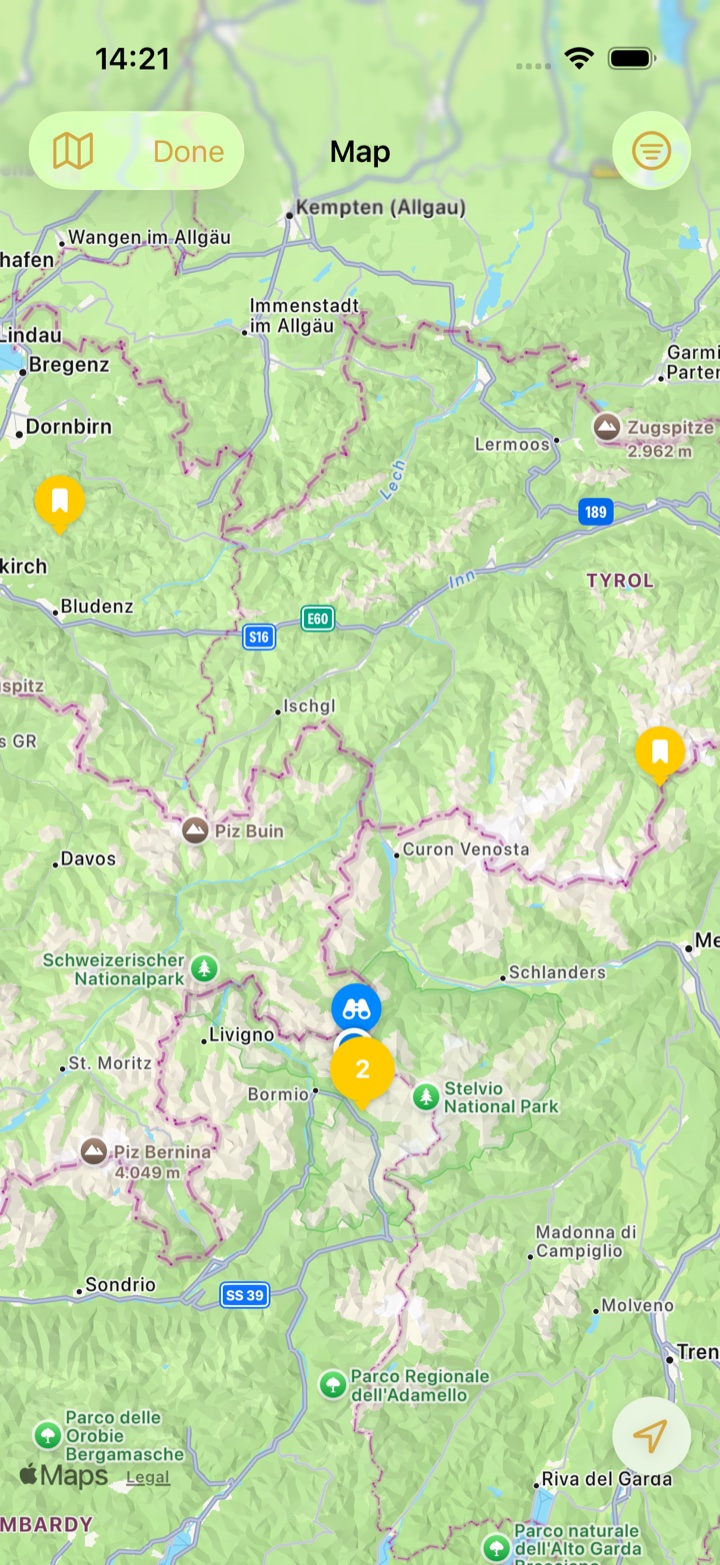
Add every pass on a loop you are considering, then open the map from the Passes tab: the yellow bookmark markers draw the route for you, and nearby ones group into a numbered cluster until you zoom in. The site's loops and guides are a good source of candidates. During a ride, bucket list passes show up in the Nearest Passes list like any other unvisited pass.
Troubleshooting
- I crossed a pass and it is still on the list. Crossing a pass does not remove it, so the list also works as a "ride it again" list. Remove it by hand when you are done with it.
- The bookmark does not add the pass. Adding to the bucket list needs Pro. Passes already on the list can still be removed without it.
- Home says "Build your bucket list". That is the empty state; it fills in as soon as you add the first pass.